Quick thoughts on the Apple Vision Pro Demo
February 8, 2026
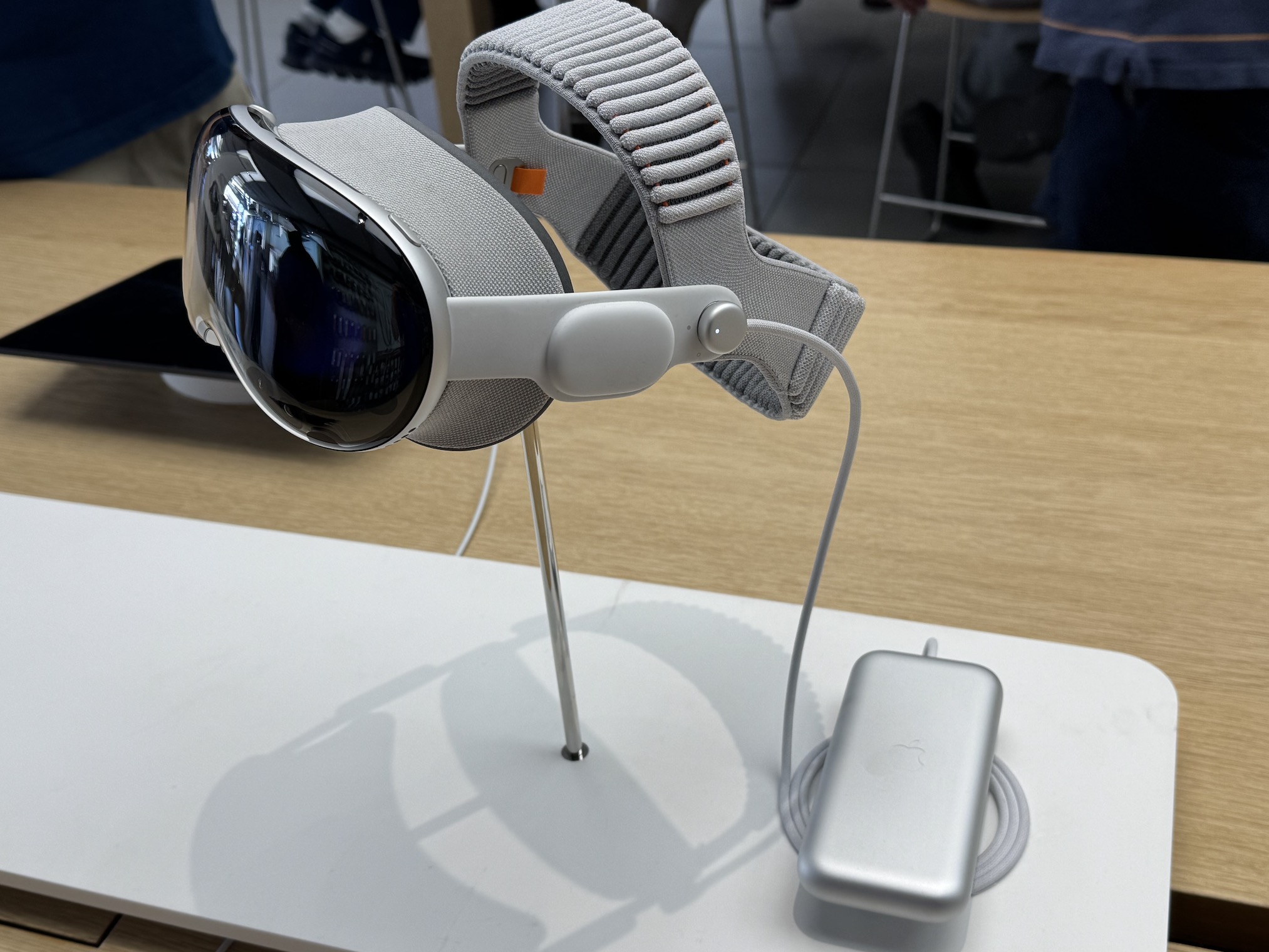
Note: This is just my personal thoughts on the Apple Vision Pro Demo, and it is not meant to be a comprehensive review of the product, but rather just my experience with it and my thoughts on it.
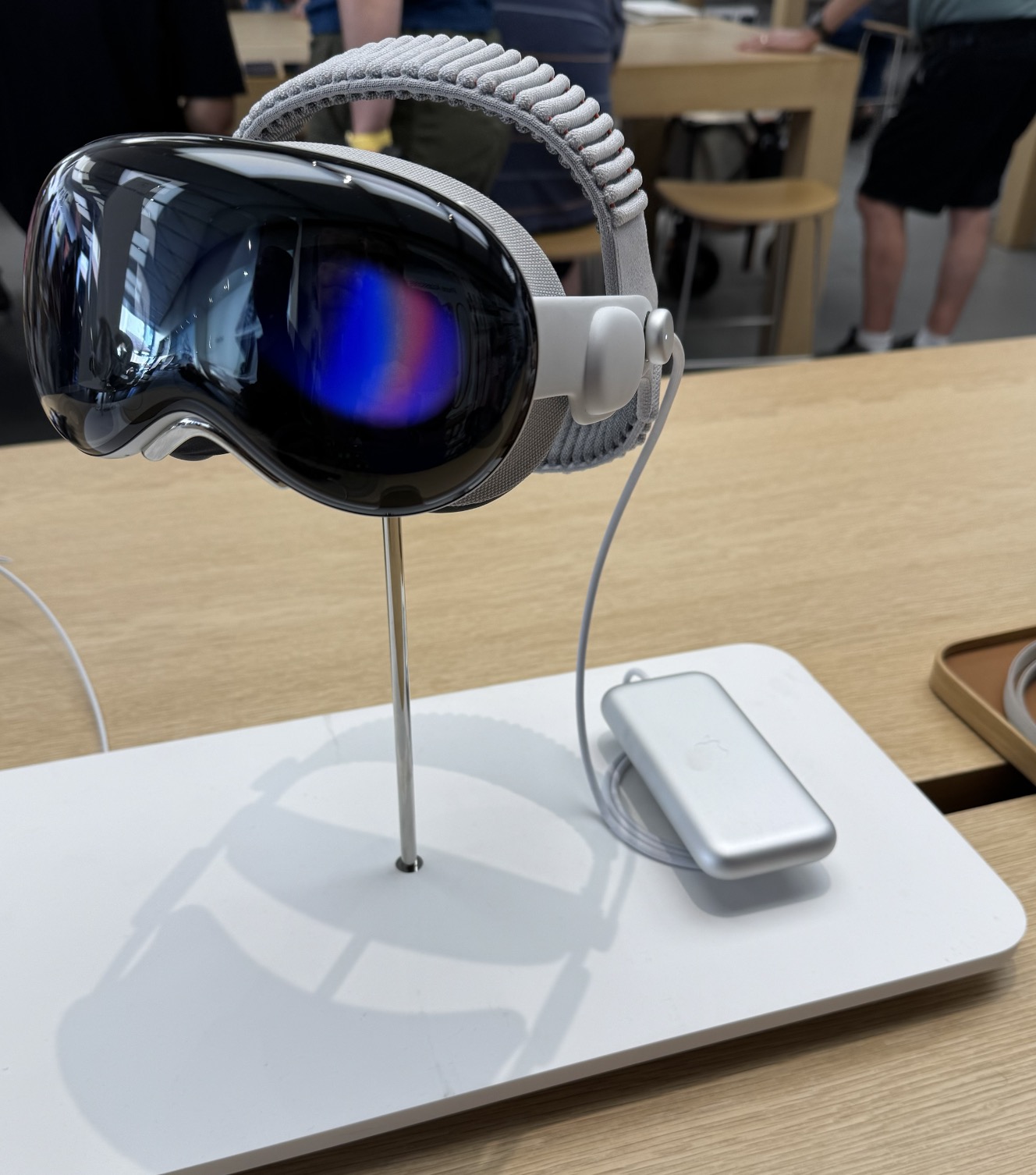
On October 25th, 2025, I finally got around to try out the Apple Vision Pro demo at my local Apple Store. After that 30 minute demo, not only I was blown away, but also somewhat disappointed in a few parts, and made me come up with a few thoughts on Apple’s path with this product.
The setup
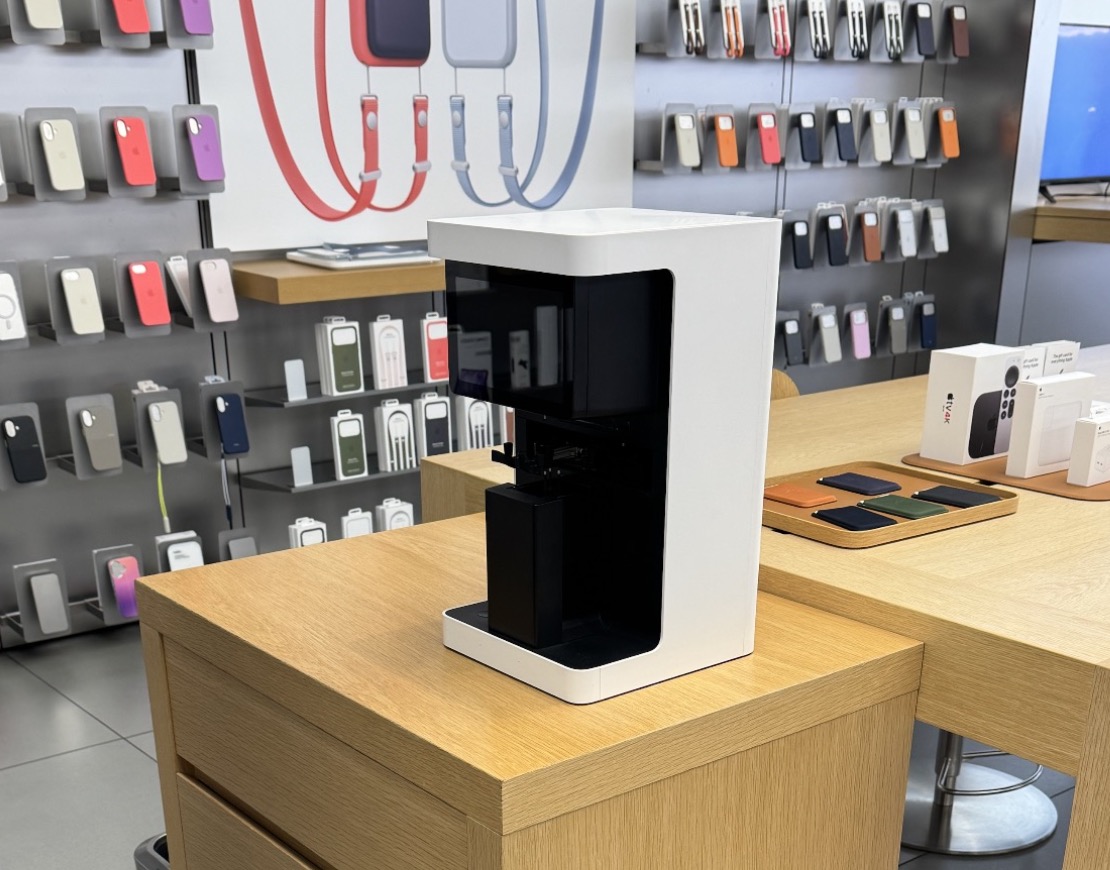
When I was setting up the appointment, I added the option to include the ZEISS Optical Inserts since I primarily wear prescription glasses when using a computer or watching TV. However, when I arrived and handed over my glasses, they scanned them using their Lensometer to choose the appropriate optics, only problem was that the machine wasn’t working that night. I was still able to see thru the Vision Pro just fine, but I believe it would have been better with the Optical Inserts.
Afterwards, I was finally able to put on the headset. At the time, they were using the new Dual Knit Band and when I first put it on, it felt very secure in my head. However, after a few minutes I started to feel slight pain in my neck, but it wasn’t a big deal so I powered thru.
The experience
It’s been four months since I tried the demo, so I may forget a few things from it.
When the Vision Pro first came out, a lot of tech enthusiast complained that the Light Seal Cushion obscured their field of view and chose to remove it while using it. At the time I thought they were over exaggerating, however, when I first placed the headset, I was shocked how much the light seal reduced it, and even with the new band, it still felt somewhat heavy. It wasn’t a big deal though, but I highly doubt a person would be able to walk around comfortably with it in public. After the quick setup I was finally in the main home screen, and the first thing that caught my eye was how damn accurate the eye tracking was when I looked at an app icon! There was maybe like a slight delay, around less than a second, but it then operated normally. I first opened the Alto’s Adventure (which was just a port of the iPad version in 2D), at first it was tricky to get the hang of it the hand controls. Afterwards, I then started looking around its other apps. I noticed that some of Apple’s first party apps such as Reminders and Calendar apps still haven’t been optimized yet, it was just the regular 2D iPad version. I then opened Safari and tried the virtual keyboard. You could either select each key by looking at it, or type as normal like on a regular keyboard, but it was tricky to use it since I’m already used to typing on physical keyboard, so I was just typing on air, sometimes it worked and sometimes it didn’t register a key. I then opened AppleTV and watched one of their spatial videos. When I first watched media on it, I was amazed by its size, it felt like I was watching on a massive TV! And adjusting the size to my preference was a neat feature! Sadly, after playing around with a few more apps such as Apple Music, the Demo was already over. While it was 30 minutes, it felt less than. Now after that experience, it made me realize a few things about it.
The Demo Experience Needs to be Redone
If Apple really wants the average Joe to try it, they need to re-work the whole demo experience by just letting customers put on a headset, sit down with an Apple employee keeping an eye on them, and let them play around with it as long as they like rather than setting up an appointment for just 30 minutes. People need more than that to truly use it. Plus, there aren’t that many people trying the demo right now, especially when I made the appointment, there were plenty of open time slots. Plus it would save customers and employees the hassle of bringing it from the back, and setting up everything up from scratch. I understand that the headset has to adjust depending on each user though.
Not Enough Native Apps
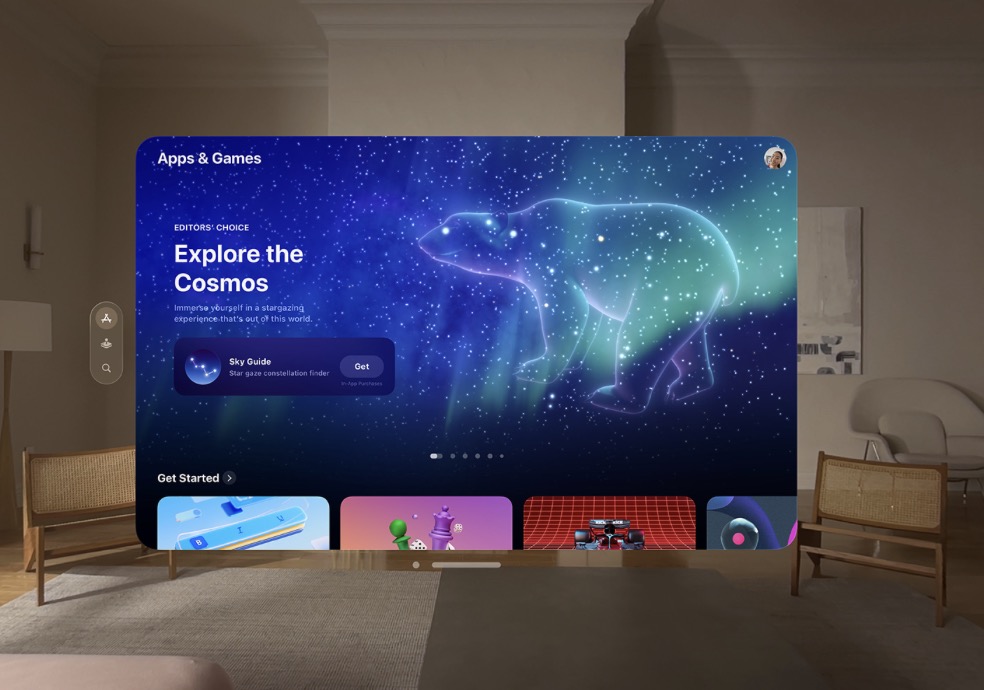
When the Vision Pro first launched, a handful of companies started rolling out their apps for it. However, some haven’t been updated months after its release or haven’t been talked about, most apps are just ports of iPad apps like some of Apple’s own, and the App Store on Vision Pro (according to some tech enthusiasts) feels like a ghost town. And for developers, I don’t see how some could bring their apps to this device that cost $3,499, to make it even worth it?
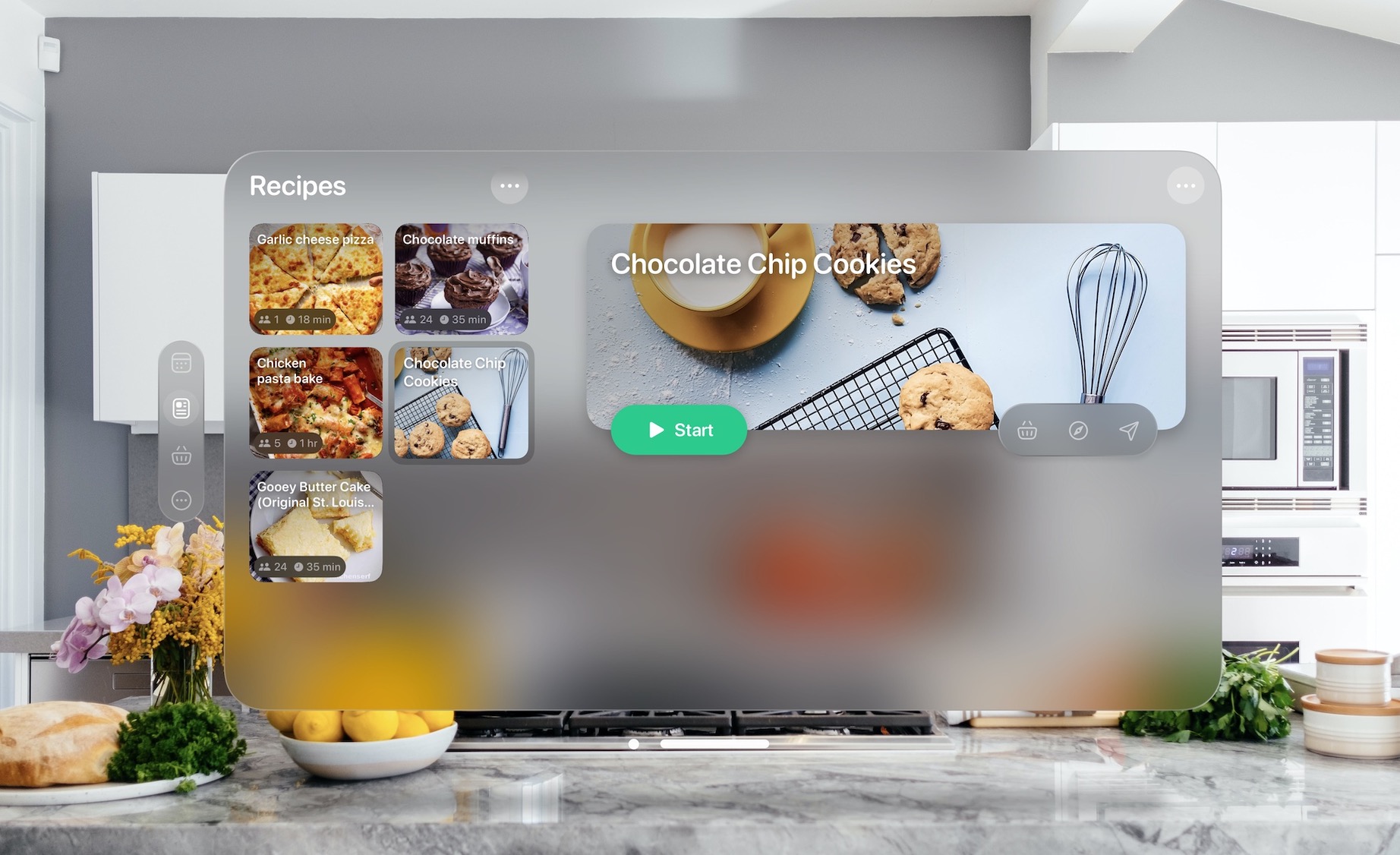
One app that I know works well on the Vision Pro is the Crouton app, at least from some posts I’ve seen online at the time it was released. But I don’t see why people would want to use it since it doesn’t have a lot of productivity or entertainment apps, and even if you get the handle of the hand gestures, it takes twice the work to do anything.
Apple is in the wrong market with it
You read that correctly. I believe that Apple is in the wrong market with this device. They claim (even their retail employees) that it’s a spatial computer and for entertainment, but the inconvenience of it, the lack of more productive apps, it just doesn’t make a whole lot of sense, at least not yet. The Vision Pro has an identity crisis, Apple markets it as a productivity tool, yet the experience pushes you toward mostly entertainment. Most users end up watching movies and spatial videos rather than working, which suggests the hardware knows what it’s good at. While it is a first-gen product, it felt more like a prototype, for what they’re actually working on like their attempt at the Meta smart glasses, but that will only address a few issues. But Apple is a computer company, they always have been, and the Vision Pro being marketed as a productive computer is somewhat misleading, since most users will just use it for entertainment. The Mac pairing feature is neat, but having to use two devices, just for the ultra-wide screen, seems not worth it. Previous VR headsets were made primarily for gaming, and while people who buy the Vision Pro will also use it for gaming, it’s not designed to be a gaming VR headset.
Conclusion
While the Vision Pro is a cool device, I don’t see how anyone could properly use it like a Mac. The $3,499 price tag doesn’t help—even though the hardware is great, the software isn’t there yet. Apple was trying to reinvent the VR headset, which they did since other companies have followed suit, but unlike the iPhone’s instant transformation of the mobile industry, spatial computing will need more time before users are ready to adopt it. And for developers, they need to justify building apps for a small user base who would pay $3,500, while those users need robust apps to justify their purchase. But until then, Apple needs to re-think the device, figure out a better pricing, re-do their whole demo, not let developers just put iPad ports of their apps (especially their own), and give their customers a better reason to purchase it.